
Installing Python development tools on Linux can easily pollute your system environment if done carelessly. This guide covers how to set up an isolated, reproducible Python development workstation on Linux using brew, pipx, and modern project tooling.
Installing Python Runtimes
First, install the target Python interpreters via Homebrew:
Global CLI Tools with Pipx
Development CLI utilities (such as linters, formatters, and task runners) should be accessible globally across all terminal sessions, but should never be installed into your default system or global Python site-packages.
The solution is pipx, which installs each CLI tool into its own isolated virtual environment while exposing its binary on your $PATH:
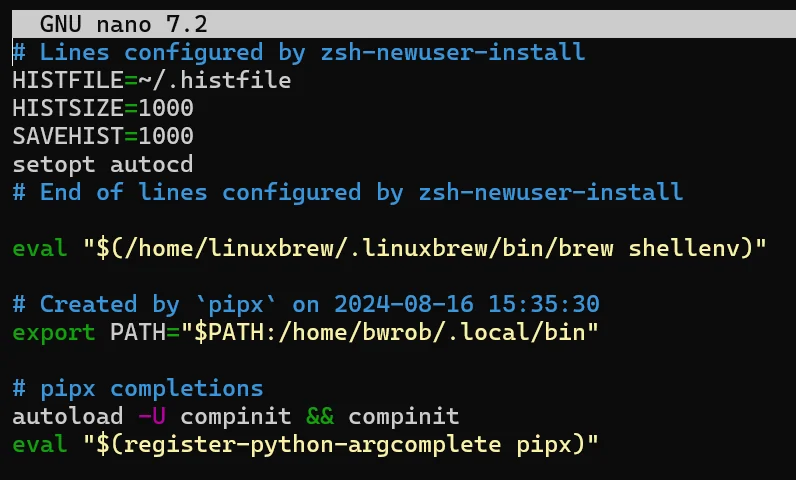
Add pipx shell completions to your ~/.zshrc:
Installing Core Developer Utilities
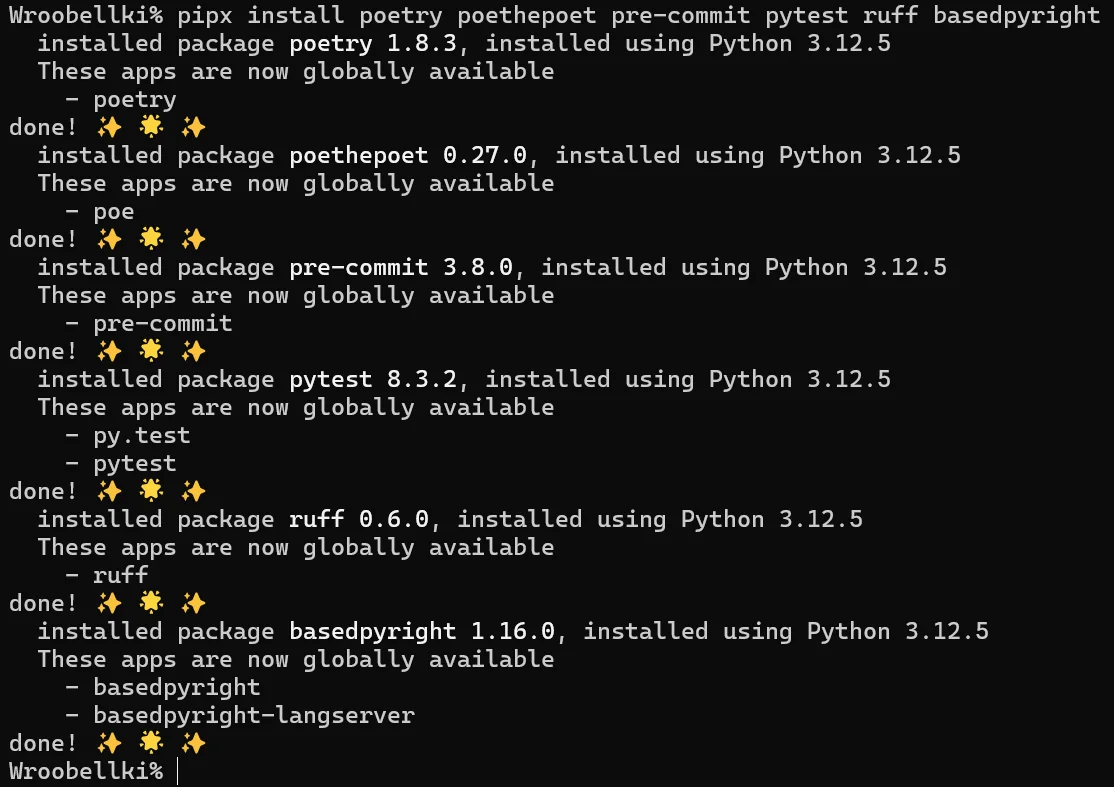
Now install your everyday terminal development tools:
How Pipx Manages Isolation
Inspect the generated launcher for any installed tool:
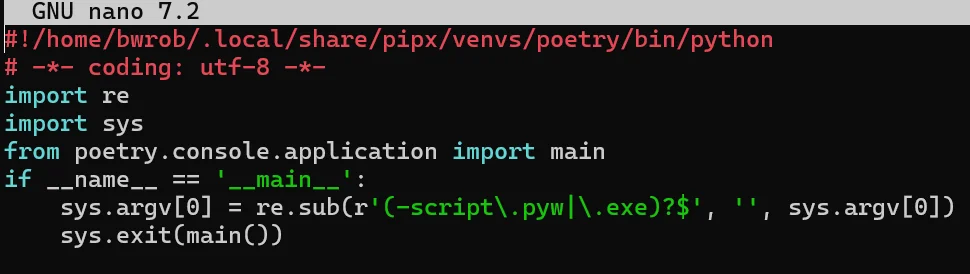
Notice the shebang (#!) line points to an interpreter inside ~/.local/share/pipx/venvs/poetry/bin/python. This launcher script sets up the execution environment before delegating to the underlying package.
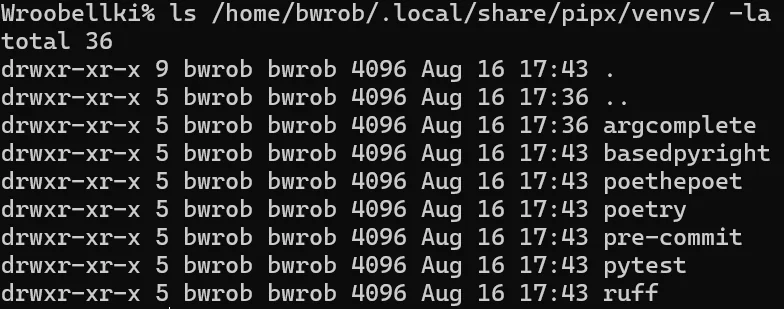
Each tool installed with pipx lives in a dedicated, hermetic virtual environment:
Initializing a Project Repository
Clone or navigate into your project repository, install the dependencies, and configure pre-commit hooks:
With this architecture, your global tools stay isolated, dependencies never conflict, and each repository manages its own hermetic virtual environment.