Introduction
Python’s built-in types just… work. len() for sizes, [] for lookups, for loops for iteration. It all feels consistent because it is.
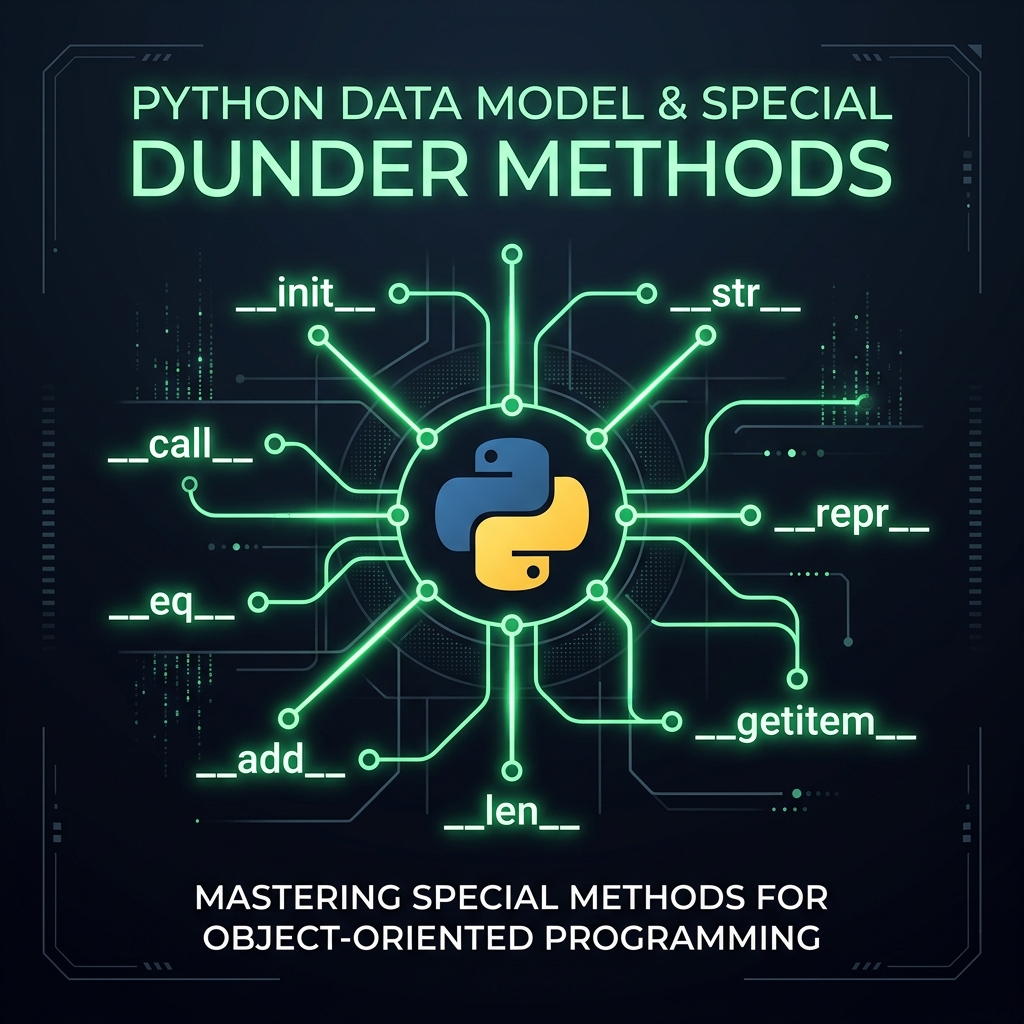
That consistency comes from the Python Data Model. By implementing a few “special methods” (you might know them as dunder methods, short for double underscore), you can make your own custom classes behave exactly like the built-ins.
In this post, we’re going to build a Portfolio class that feels like a native part of the language. Instead of clunky custom methods, we’ll use the patterns Python already knows and loves.
The Goal: a Pythonic Portfolio
We want a Portfolio class that stores a list of financial positions. But we don’t want a clunky interface like portfolio.get_position_by_ticker("AAPL"). We want the market-standard syntax:
len(portfolio)to size up our exposure.portfolio["AAPL"]to get a quote instantly.for position in portfolioto audit our holdings.
Let’s start by defining a simple Position container. To keep our balance sheet clean, we’ll track the total USD value rather than quantity and price.
The Initial Portfolio Class
We start with a standard class definition. To index our strategy efficiently, we’ll store the positions in a dictionary keyed by their symbol. We name it _contents to signal it’s an internal implementation detail—a trade secret, if you will—encouraging users to access data through the public interface.
Show the code
class Portfolio:
    def __init__(
        self,
        name: str,
        managers: tuple[str, ...],
        contents: list[Position] | None = None,
    ):
        self.name = name
        self.managers = managers
        # Store positions in a dictionary keyed by symbol for fast lookup
        self._contents = (
            {pos.symbol: pos for pos in contents} if contents else {}
        )

    def __repr__(self):
        repr_contents = list(self._contents.values())
        return (
            f"Portfolio(name={self.name!r}, managers={self.managers!r}, "
            f"contents={repr_contents!r})"
        )


# Create some data
pos1 = Position("AAPL", 15000.0)
pos2 = Position("GOOG", 140000.0)
p = Portfolio("Tech Fund", ("Alice", "Bob"), [pos1, pos2])
print(p)
Portfolio(name='Tech Fund', managers=('Alice', 'Bob'), contents=[Position(symbol='AAPL', value_usd=15000.0), Position(symbol='GOOG', value_usd=140000.0)])We included __repr__ right away. This dunder method provides the “official” string representation, useful for debugging the object’s state.
Emulating a Collection
Right now, if we try to gauge the size of our portfolio, it raises a TypeError.
Error: object of type 'Portfolio' has no len()To enable the len() function, we implement __len__.
__len__
Show the code
Portfolio size: 2Now len(p) delegates to the underlying self._contents dictionary.
__getitem__
Instead of writing a custom get_position() helper, __getitem__ allows instances to support Python’s standard square bracket indexing: portfolio["AAPL"].
Show the code
class Portfolio(Portfolio):
    def __getitem__(self, symbol: str) -> Position:
        try:
            return self._contents[symbol]
        except KeyError:
            raise KeyError(
                f"Position '{symbol}' not found in portfolio '{self.name}'"
            ) from None


p = Portfolio("Tech Fund", ("Alice", "Bob"), [pos1, pos2])
print(f"AAPL position: {p['AAPL']}")
AAPL position: Position(symbol='AAPL', value_usd=15000.0)Note on Pythonic conventions: In Python, square-bracket lookups (obj[key]) are expected to raise KeyError when a key does not exist. Returning None silently hides bugs and causes confusing AttributeError failures downstream. If callers need a safe fallback without exceptions, provide an explicit .get() method.
Enabling Iteration: __iter__
Iterating through a collection is fundamental. Since we backed our portfolio with a dictionary, default iteration would just give us the keys (symbols). But when we loop through a portfolio, we usually want the assets themselves. We can dictate this behavior by implementing __iter__.
Show the code
Iterating through portfolio:
 - AAPL: $15,000.00
 - GOOG: $140,000.00
Now, for pos in p yields the positions directly. We have full control over the traversal.
Membership and Truthiness: __contains__ and __bool__
We can already check membership via __iter__, but that’s O(N). Since we have a dictionary underneath, __contains__ gives us O(1) lookup.
We also want to know if our portfolio is empty. By default, Python checks len(), but implementing __bool__ allows us to be explicit about what constitutes a “truthy” portfolio.
Show the code
class Portfolio(Portfolio):
    def __contains__(self, item: str | Position) -> bool:
        if isinstance(item, str):
            return item in self._contents
        if isinstance(item, Position):
            return item.symbol in self._contents
        return False

    def __bool__(self) -> bool:
        return bool(self._contents)


p = Portfolio("Tech Fund", ("Alice", "Bob"), [pos1, pos2])

print(f"Is 'AAPL' in p? {'AAPL' in p}")
print(f"Is 'MSFT' in p? {'MSFT' in p}")
print(f"Is p truthy? {bool(p)}")

empty_p = Portfolio("Empty", ("Nobody",))
print(f"Is empty_p truthy? {bool(empty_p)}")
Is 'AAPL' in p? True
Is 'MSFT' in p? False
Is p truthy? True
Is empty_p truthy? FalseOperator Overloading: __add__ (Combining Portfolios)
In Python, objects can be combined using operators. If we have two portfolios, it makes intuitive sense to “add” them together using +.
We implement this via __add__. This isn’t just concatenation; it’s a consolidation. We need to combine managers and sum up the value of overlapping positions.
Show the code
class Portfolio(Portfolio):
    def __add__(self, other: Portfolio) -> Portfolio:
        if not isinstance(other, Portfolio):
            return NotImplemented

        new_name = f"{self.name} + {other.name}"
        # Combine managers, removing duplicates
        new_managers = tuple(sorted(set(self.managers + other.managers)))
        # Merge contents
        all_positions = {}

        # Add positions from self
        for pos in self:
            all_positions[pos.symbol] = Position(pos.symbol, pos.value_usd)

        # Add positions from other
        for pos in other:
            if pos.symbol in all_positions:
                existing = all_positions[pos.symbol]
                existing.value_usd += pos.value_usd
            else:
                all_positions[pos.symbol] = Position(pos.symbol, pos.value_usd)
        return Portfolio(new_name, new_managers, list(all_positions.values()))


# Example Usage
p1 = Portfolio("Tech", ("Alice",), [Position("AAPL", 15000.0)])
p2 = Portfolio(
    "Growth", ("Bob",), [Position("AAPL", 8000.0), Position("MSFT", 30000.0)]
)

p3 = p1 + p2
print(f"Merged Portfolio: {p3}")
print(f"Merged AAPL: {p3['AAPL']}")
Merged Portfolio: Portfolio(name='Tech + Growth', managers=('Alice', 'Bob'), contents=[Position(symbol='AAPL', value_usd=23000.0), Position(symbol='MSFT', value_usd=30000.0)])
Merged AAPL: Position(symbol='AAPL', value_usd=23000.0)String Representation: __repr__ Vs __str__
Finally, we need to decide how our portfolio presents itself to the world.
__repr__(The Private Ledger): Unambiguous, developer-focused. It should ideally allow you to recreate the object.__str__(The Public Face): Readable, user-focused. “What does this object represent to a human?”
If __str__ is not defined, Python falls back to __repr__. But we want a nice summary.
Show the code
Str: Portfolio 'Tech Fund' (2 items, Alice, Bob)
Repr: Portfolio(name='Tech Fund', managers=('Alice', 'Bob'), contents=[Position(symbol='AAPL', value_usd=15000.0), Position(symbol='GOOG', value_usd=140000.0)])
Architectural Takeaway
Implementing special methods transforms bespoke data structures into first-class citizens in Python’s runtime. Standard operators (len, in, +, []) behave predictably, allowing your domain classes to integrate naturally with standard library algorithms, debugging tools, and serialization pipelines.
In the next post, we explore inheritance, composition, and protocols to model financial yield curves.
Download the full script from python_data_model_portfolio_implementation_example.py.